



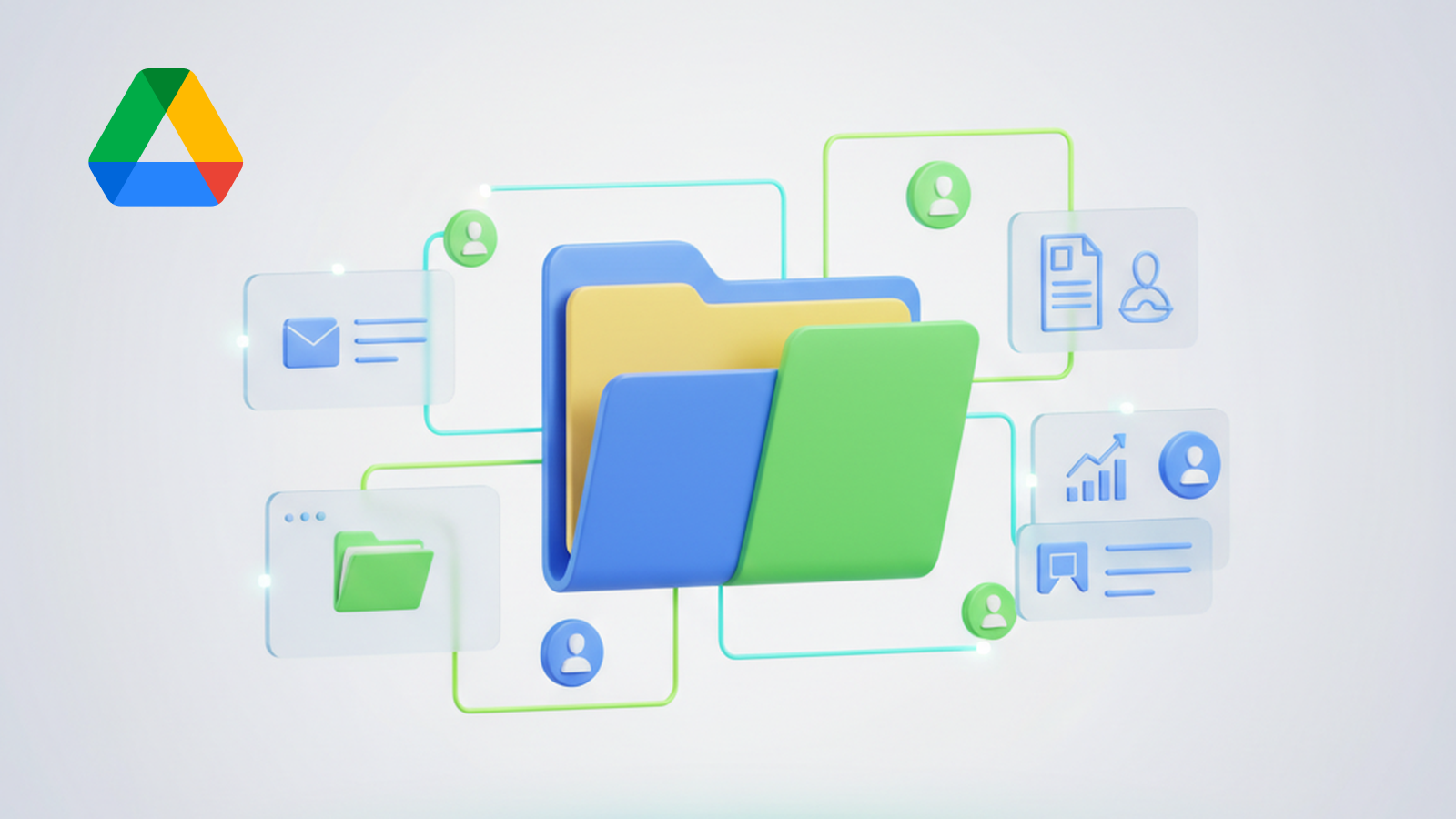

Unlock powerful Google Drive integration capabilities for seamless cloud storage management within your automated workflows. This robust integration allows you to fully automate file operations, from data access to organization, directly from your platform, significantly enhancing your document automation processes.
Streamlined file management and access
This integration provides a comprehensive set of actions to manage your files and folders in Google Drive. Effortlessly interact with your personal Drive or Shared Drives, ensuring all your critical documents are accessible and organized exactly how you need them for any automated task.
Key automation features
- List and discover files: Easily retrieve lists of files, folders, and shared drives. Automate the discovery of content across your entire Google Drive ecosystem, including starred files for quick reference.
- Read and write files: Programmatically get file contents for processing or upload new files to specific folders, supporting various data automation needs.
- Organize and structure: Automate the creation of new folders, move existing files between locations, and rename documents or folders to maintain perfect order.
- Manage starred items: Star or unstar files directly, allowing your automated workflows to highlight important documents for manual review or further action.
Benefits for your workflows
By integrating Google Drive, you can eliminate manual file handling, reduce errors, and accelerate critical business processes. Automate report generation by pulling data from sheets, distribute documents to relevant folders based on triggers, or archive old files without human intervention. This integration transforms your file management into a fully automated, efficient system, freeing up valuable time and resources.